
IoT device Firmware Reverse Engineering: It is a process to understand the device architecture, functionality and vulnerabilities present in the device incorporating different methods.
Firmware: Piece of code written for specific hardware to perform different operations and control the device
In this blog, we will learn how to access the file system of a TP-Link Router TL-WR841N.
Let’s get started!!!!
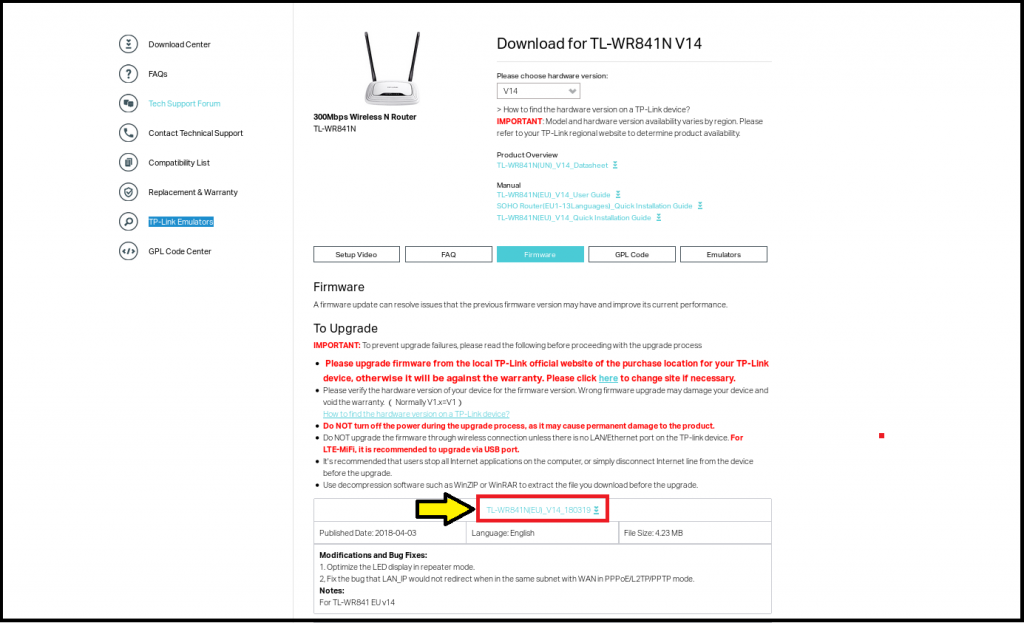
Download the Firmware
Extracting the Zip File
Unzip the archive with the command
unzip TL-WR841N(EU)_V14_180319.zip 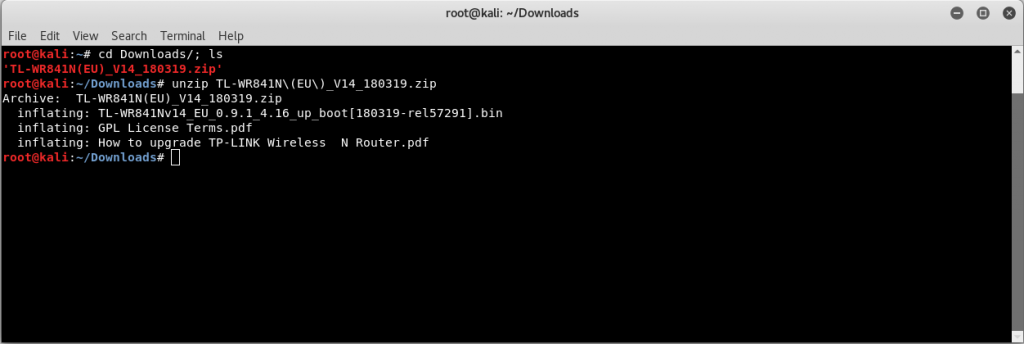
Let’s Start the Reversing
Now we will use Binwalk tool. It is a Linux tool used to find the embedded files and executable code in the firmware binary images.
we will try running the binwalk tool for the binary file.
binwalk -e TL-WR841Nv14_EU_0.9.1_4.16_up_boot[180319-rel57291].binNote: ‘-e’ is for extracting the bin file.
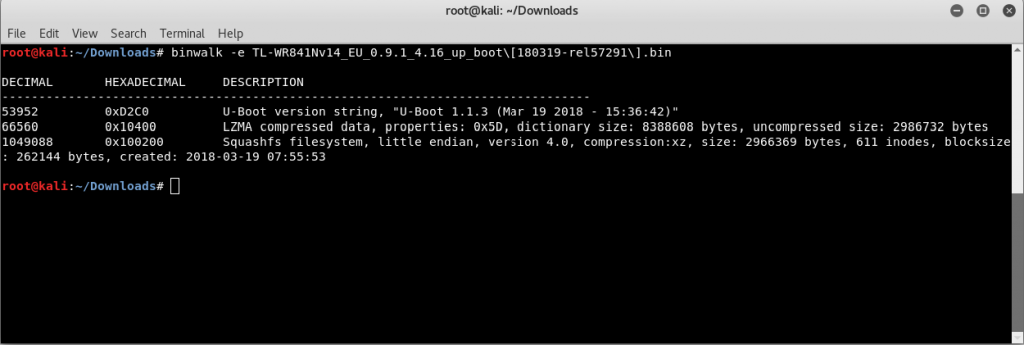
binwalk structure has three sections:
- File location in decimal format
- File location in hexadecimal format
- Description of what was found at that location
As seen from the first line, we get U-Boot string at 53952. U-Boot is a popular bootloader to load the operating system. We get LZMA compressed data which starts at 66550, and we get Squashfs filesystem at 1049088.
This looks interesting, right?
Let’s now dig inside the file system.
Carving inside the filesystem.
Let’s first duplicate the data into another file to check what’s inside the Squashfs filesystem.
For this, we use the following command:
dd if= TL-WR841Nv14_EU_0.9.1_4.16_up_boot[180319-rel57291].bin skip=1049088 bs=1 of=TP.sfs 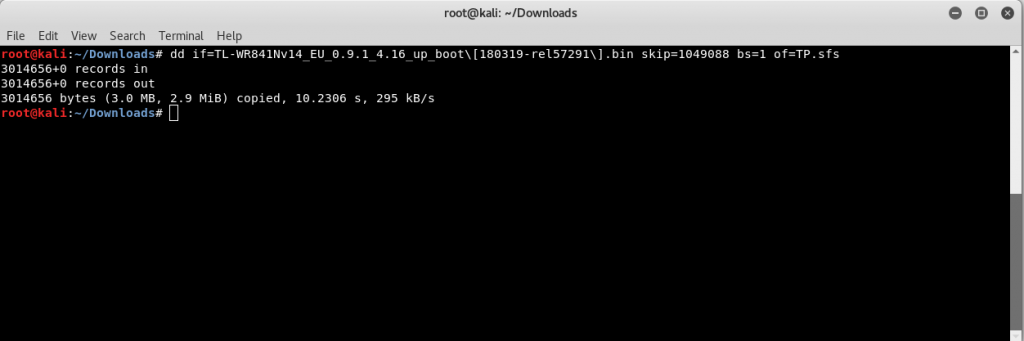
- dd can duplicate data across files, devices, partitions, and volumes.
- if stands for the input file.
- of stands for the output file.
- bs for block size.
Note: ‘skip’ is used to skip the pointer to the particular address in the firmware binary image.
Now let’s see whether we have an output file named TP.sfs in the current directory or not.
List the contents in the directory with the command:
ls -l 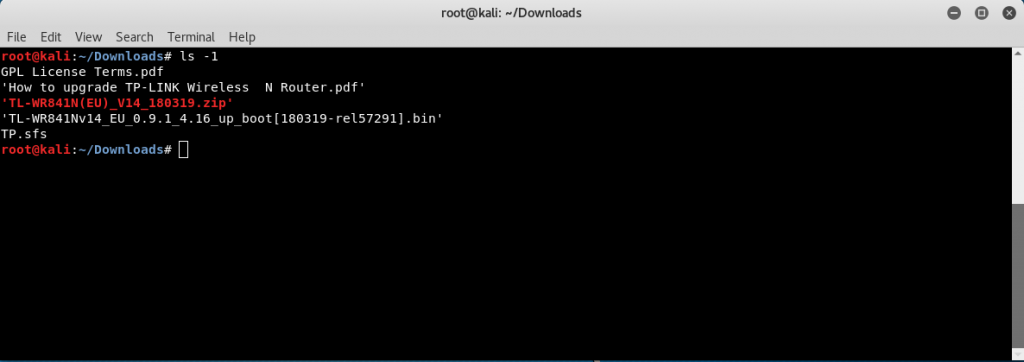
After listing the contents, we can see a file name TP.sfs, which is the file we created to store the Squashfs filesystem.
Now let’s extract the file with the following command:
unsquashfs TP.sfs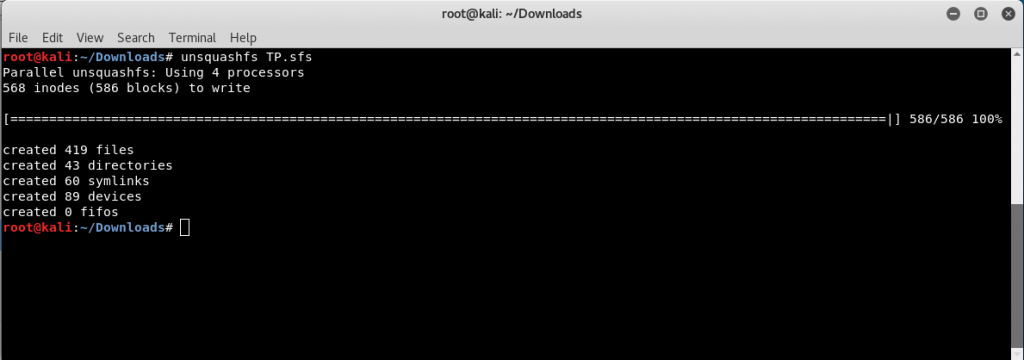
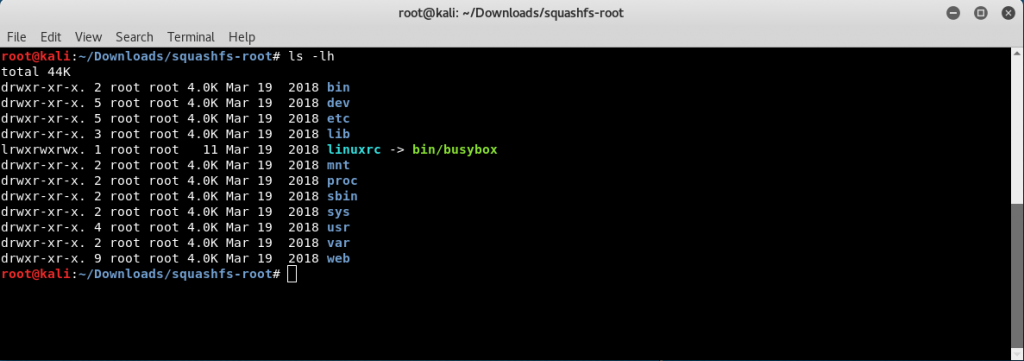
This will create a folder called squashfs-root, which will have the entire filesystem extracted in the folder.
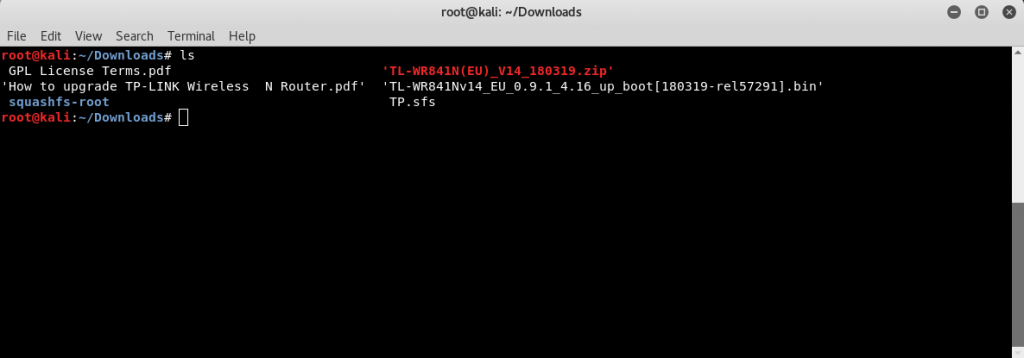
Here, we have extracted the entire filesystem of the Firmware, we can now start with the analysis of the binaries present and individual files in the filesystem.
Conclusion
Here, we have extracted the entire filesystem of the Firmware, we can now start with the analysis of the binaries present and individual files in the filesystem.
Looking to strengthen your AWS security posture? SecureLayer7 helps organizations identify vulnerabilities, reduce risk, and defend against evolving cyber threats. Contact our experts to get started.

