
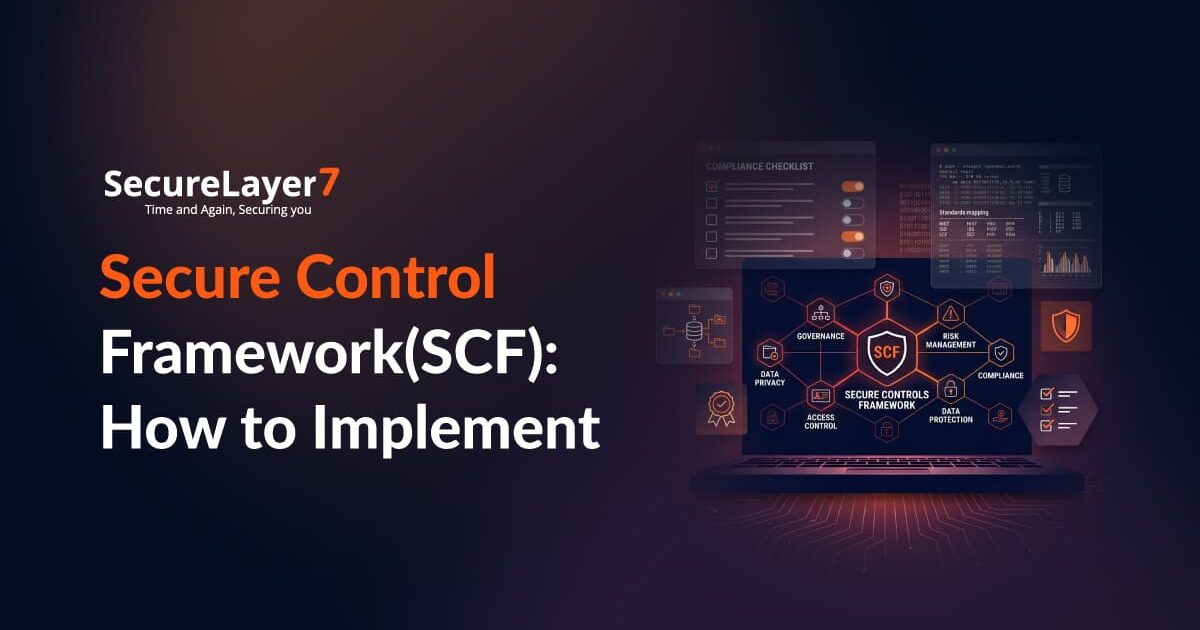
What Is the Secure Controls Framework (SCF)?
The Secure Controls Framework (SCF) provides a common structure for security and privacy controls. It maps requirements from different sources to a consolidated control catalog, helping organizations manage overlapping obligations without running separate programs for every framework.
In short, it gives organizations a single structure to align requirements and reduce duplicate effort.
The SCF contains more than 1,500 controls across 34 domains. Organizations can use the catalog to identify applicable requirements, build a control set around their business needs, and establish a consistent approach to security, compliance, and risk management.
Organizations do not need to implement every SCF control. The controls they need depend on their business, security risks, and regulatory requirements.
For example, a SaaS company, a financial services provider, and a manufacturing business will have different security needs. Each organization should select the controls that apply to its operations and implement them accordingly.
The SCF works alongside the Secure, Compliant & Resilient Management System (SCRMS), which guides implementation and management of the controls. The SCF defines the controls, and the SCRMS helps organizations apply them.
How to Implement SCF in Your Organization
The following steps outline a practical approach to implementing SCF in your organization, which includes defining the scope and assessing existing controls to prioritizing improvements and maintaining the framework over time.
1. Establish the Scope and Business Context
- Start by defining what the SCF implementation needs to cover. This affects the controls you select, the teams involved, and the resources required. Now, identify which business units, applications, infrastructure, data, and third-party services are in scope.
- Then, review the laws, regulations, contracts, and industry requirements that apply to those parts of your operations.
- Talk with business owners, IT teams, legal, compliance, and security stakeholders before you finalize the scope. They can help you spot systems and processes you might otherwise miss.
- Document the scope, applicable obligations, business priorities, and key dependencies. These decisions will guide the rest of the implementation and lead into the control selection process.
2. Identify the Controls Your Organization Needs
The SCF catalog covers a broad range of security and privacy requirements. Implementing every control without considering its relevance would consume resources without necessarily reducing meaningful risk.
- Begin by identifying your Minimum Compliance Requirements (MCR), which arise from applicable legal, regulatory, and contractual obligations.
- Then determine which additional Discretionary Security Requirements (DSR) fit your organization’s risk exposure and security objectives.
- Use the SCF’s mappings to connect these requirements to the relevant controls. Where several obligations address the same security practice, a common control may satisfy multiple requirements if it meets each applicable requirement.
3. Assess Existing Controls and Identify Gaps
Before introducing new safeguards, find out what is already in place and whether it works.Review security policies, system configurations, access records, vulnerability reports, incident response procedures, and existing audit evidence. Communicate with control owners to understand how security processes operate in practice.
For example, an organization may require quarterly access reviews but still have unreviewed privileged accounts or permissions that remain active after an employee changes roles.
- Compare existing practices with the selected SCF controls and their expected maturity levels.
- Record controls that are implemented, partially implemented, or missing, and identify the evidence supporting each assessment.
- Prioritize gaps by potential business impact, exploitability, regulatory significance, and remediation effort.
- Keep a gap register that lists each deficiency, the risk it poses, who owns it, and what corrective action is needed. Once you know the gaps, you can define the maturity level each control should reach and move into expectation setting.
4. Define Control Maturity Expectations
Your organization also needs to decide how consistently and effectively it should work.
The SCF’s associated Secure, Compliant & Resilient Capability Maturity Model (SCR-CMM) can help organizations assess and define control maturity expectations.
- Take access reviews as an example. If your team does this manually, that might work for a few applications, but it can quickly become unreliable as your environment grows.
A more mature approach could use automated review workflows, clear approval responsibilities, escalation steps, and evidence retention.
- Set expectations according to business risk, regulatory requirements, and available resources.
Not every control needs the same level of automation or sophistication, but mandatory requirements must still be met.
- Document what you expect each control to achieve and what evidence will show that outcome.
This gives your implementation teams a clear target and helps assessors evaluate progress consistently.
5. Develop the Required Policies and Procedures
Controls need supporting documentation that explains what your organization expects and how employees should follow those expectations.
Review your existing policies before you create new ones. Some documents might already cover several SCF requirements and just need a few updates. Others could be outdated or missing altogether.
Depending on the selected controls, your documentation may include:
- Information security and access management policies.
- Vulnerability and patch management procedures.
- Secure development standards.
- Data classification and handling requirements.
- Incident response and recovery plans.
- Third-party security assessment procedures.
- Logging, monitoring, and evidence retention requirements.
For example, a privilege access management policy might require least-privilege access control and periodic reviews. A supporting procedure should explain how employees request access, who approves it, how permissions are provisioned, and when access must be revoked.
6. Assign Ownership and Implement the Controls
Control implementation often stalls when several teams share responsibility but nobody is accountable for the outcome.
- Assign a clear owner to each control. Security teams may define requirements and monitor compliance, while IT, engineering, HR, facilities, procurement, and business teams implement or operate them day to day.
For instance, the infrastructure team might harden servers, while the security team defines configuration standards and verifies compliance. HR may manage employee security training, while individual managers ensure their teams complete it.
- Break each control down into specific tasks, set deadlines, and decide what evidence will show the work is complete. Depending on the control, implementation may involve configuring technical safeguards, updating procedures, deploying security tools, training employees, or introducing new approval processes.
- Track your implementation in a central register. It should list each control, its owner, current status, outstanding tasks, and supporting evidence. This makes it easier to spot delays and report progress to management.
7. Monitor Control Performance
Monitoring helps your security team catch these changes before they turn into bigger problems.
- Set up monitoring and assessment activities based on the risks tied to each control. This includes vulnerability scans, privileged access reviews, configuration checks, log analysis, security alerts, and regular control testing.
- Pick metrics that show real security outcomes. For example, you might track overdue critical vulnerabilities, MFA coverage for privileged accounts, access review completion, incident response times, and unresolved control issues. Use these metrics to keep control performance visible and support ongoing improvement.
- Assign someone to review the results and escalate any exceptions. If your security tools can collect data automatically, use them to cut down on manual reporting and improve visibility.
The goal is to make sure your controls stay effective as your systems, risks, and business needs change.
8. Manage Risks and Remediate Deficiencies
When you assess your controls, you’ll find weaknesses that need fixing. Set up a process to record these findings, evaluate their impact, and track remediation so issues don’t go unnoticed. Keep ownership, deadlines, and status visible so teams address unresolved risks promptly.
For each major deficiency, document which control is affected, the risk involved, what corrective action is needed, who owns it, and when it should be fixed. This keeps remediation visible and accountable.
9. Review and Improve the SCF Program
Your SCF implementation needs to keep up as your business changes. New applications, acquisitions, suppliers, regulations, or emerging threats can all affect which controls you need.
- Review your control set whenever there’s a major change, and reassess it regularly even if nothing big has happened.
- Check if your existing controls are still relevant, if new obligations have come up, and if you’ve addressed past deficiencies.
Use the Plan-Do-Check-Act (PDCA) cycle to organize continuous improvement:
- Plan: Define scope, identify obligations, select controls, and establish maturity expectations.
- Do: Implement safeguards, publish documentation, and assign responsibilities.
- Check: Assess controls, review evidence, and monitor performance.
- Act: Correct deficiencies, reassess risks, and update the program.
The SCF’s supporting resources can help you stay aligned with changing requirements. Use internal risk assessments, audit findings, incident reviews, and feedback from control owners to guide your updates.
A Practical 90-Day SCF Implementation Roadmap
A phased rollout helps organizations establish the core processes without trying to implement every control at once.
The following 90-day schedule is a suggested planning approach, not an official SCF deadline. The actual duration will depend on organizational size, existing maturity, available resources, and compliance obligations.
| Phase | Timeline | Key activities | Deliverables |
| Establish scope | Days 1–15 | Identify business priorities, obligations, stakeholders, and systems | Scope statement and implementation plan |
| Select and assess controls | Days 16–30 | Identify MCR and DSR, map applicable requirements, assess existing controls | Tailored control set, MSR blueprint, and gap register |
| Implement priority controls | Days 31–60 | Assign owners, define maturity expectations, update documentation, address high-risk gaps | Implemented controls, updated policies, and remediation tracker |
| Validate implementation | Days 61–75 | Test controls, review evidence, and retest corrected deficiencies | Assessment report and updated risk register |
| Establish ongoing governance | Days 76–90 | Review metrics, schedule assessments, and plan remaining work | Management dashboard and longer-term improvement plan |
How to Measure Progress
Use a small set of indicators to see if your program is actually making a difference.
| Metric | What it tells you |
| Control implementation rate | How many applicable controls have been implemented |
| Critical vulnerability remediation | Whether high-risk technical weaknesses are being addressed within defined timelines |
| Privileged account MFA coverage | Whether sensitive accounts have the required authentication safeguards |
| Critical asset coverage | Whether important systems are inventoried and monitored |
| Control testing results | Whether controls operate as intended |
| Overdue remediation items | Where unresolved weaknesses continue to expose the organization to risk |
Set your targets based on where your organization is starting from and your risk appetite. Just having a high implementation rate doesn’t mean your program is effective—the controls need to address real risks and work as intended. And, at the end of the first 90 days, review your progress with management, identify any unresolved priorities, and agree on what comes next.
Conclusion
The SCF gives you a common control structure, while the SCRMS helps you select, implement, assess, and improve those controls.The goal is a security program that gives management a clear view of risk, reduces duplicated compliance work, and shows your security controls are working.
SecureLayer7 helps organizations identify security vulnerabilities, address gaps in their defenses, and reduce exposure to evolving cyber threats. Contact our experts to strengthen your security program.
Frequently Asked Questions (FAQs)
Organizations of all sizes can use SCF to manage cybersecurity risks, strengthen security controls, and meet compliance requirements.
Key components include access control, risk management, data protection, incident response, vulnerability management, and continuous monitoring.
SCF helps identify security gaps, reduce risks, improve compliance, and establish consistent security practices.
